Infographic Resumes
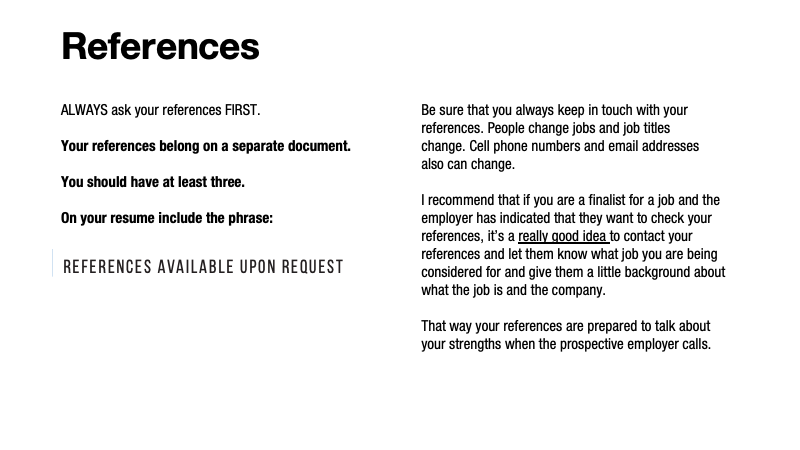
Q: What information do I need to get from my references?
A: Name, Title, Company, Email and Phone Number.
You don’t need an address as most of the time the employer calls for a reference.
Sometimes employers send a reference form.
I have had employers email me for a reference.
If your reference is for example someone you babysat for, or say lawn mowing, etc. You can use the title as “Client”
Sometimes an employer will as for a “Letter of Reference,” if that’s the case you will need to contact your reference and give them the contact information, company and address of the employer requesting the reference letter. They also may have an expected deadline.
Q: What is the best way to ask for a reference?
1. Person to person,
2. You can email, or depending upon your relationship Text them (if you have their phone number)
3. I have been contacted through LinkedIn for a reference by a student that was fine with me.
Always ask, before you put a reference down and be sure to keep in touch with them if you think the employer will be calling references.
Also always make sure that your reference contact information is up-to-date.
Here are some of the slide shots from my presentation that may help you.
Parts of a Resume
1. Your Name and Contact Info: Cell Phone, Email, and Address (if known), the URL of your online portfolio (i.e. sdleo.com)
You don’t need to include the https://www part of a web address any more. We will talk about website options later in this class. If you don’t have one for now, you can add it later.
2. Objective: This is optional if you know what type of job you are looking for.
3. Education: Put this in reverse chronological order (i.e. Master 1st, then Bachelors) don’t put your high school info on you resume.
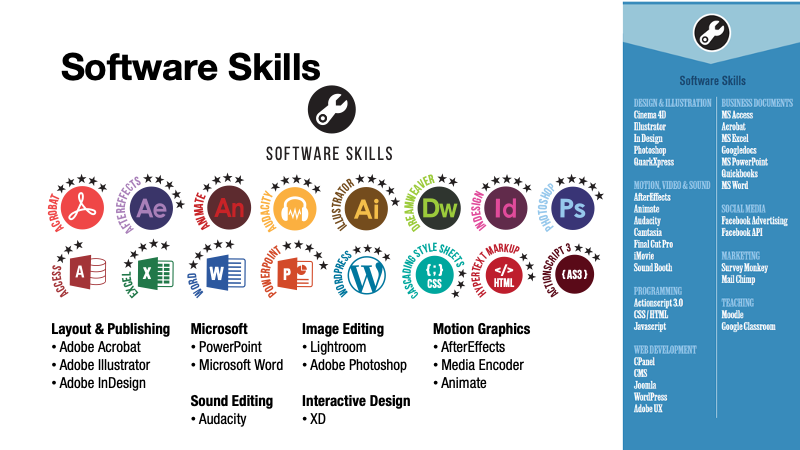
4. Software Skills: List ALL of the software that you have used, both in writing papers to graphic design software. When you start to learn many programs it is best to put them under categories so that it is easy to read. Sometimes HR managers don’t know all the software programs. Software you should have on your resume are: Illustrator, InDesign, Photoshop, PowerPoint, Acrobat, Animate, Media Encoder, Light Room—if you have taken Motion Graphics: Audacity, AfterEffects, Bridge, etc. You can rate your strength on these if you want in a chart, bar graph or simple rating scale. That will tell the employer which programs you have the most experience with (be realistic on this one).
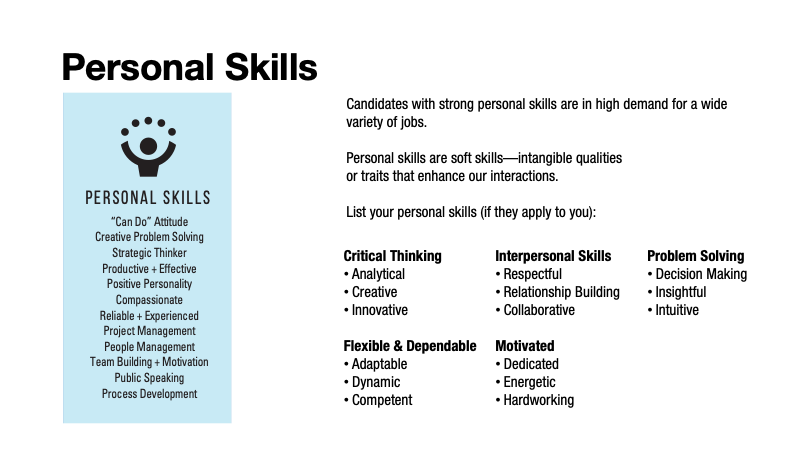
5. Personal Skills: Think about the qualities that you have and what you might have learned on the job. If you can’t think of these, you can do a web search for help. For example: If you were a cashier, type in “what skills are required for a cashier” and the return results are—math skills, running a POS (point of sale) system. communication skills, multi-tasking, product knowledge, dependability, customer service, complaints, etc.
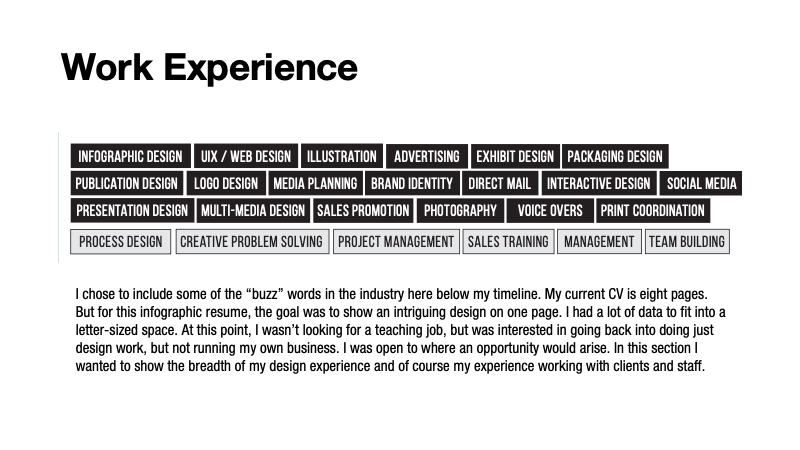
6. Work Experience: List your jobs in descending order from the latest job to the earliest job. Make sure you have: Company Name, Address, City, State, Zip; Your Job Title; and a description of what you did. Think about the tasks that you performed on this job. It could be software or personal skills.
When you write your job experience, you’ll want to include any significant milestones in that position. If there are results from your work, employers love to see that you can make a difference in their organization such as saving money, improving brand awareness, developing better processes, etc. If your design work impacted a project this is where you want to highlight that.
Even for your non-design jobs, you’ll want to think about tasks that are important to employers and show your experience and skills.
7. Put the sentence at the bottom of your resume that states: REFERENCE AVAILABLE UPON REQUEST.
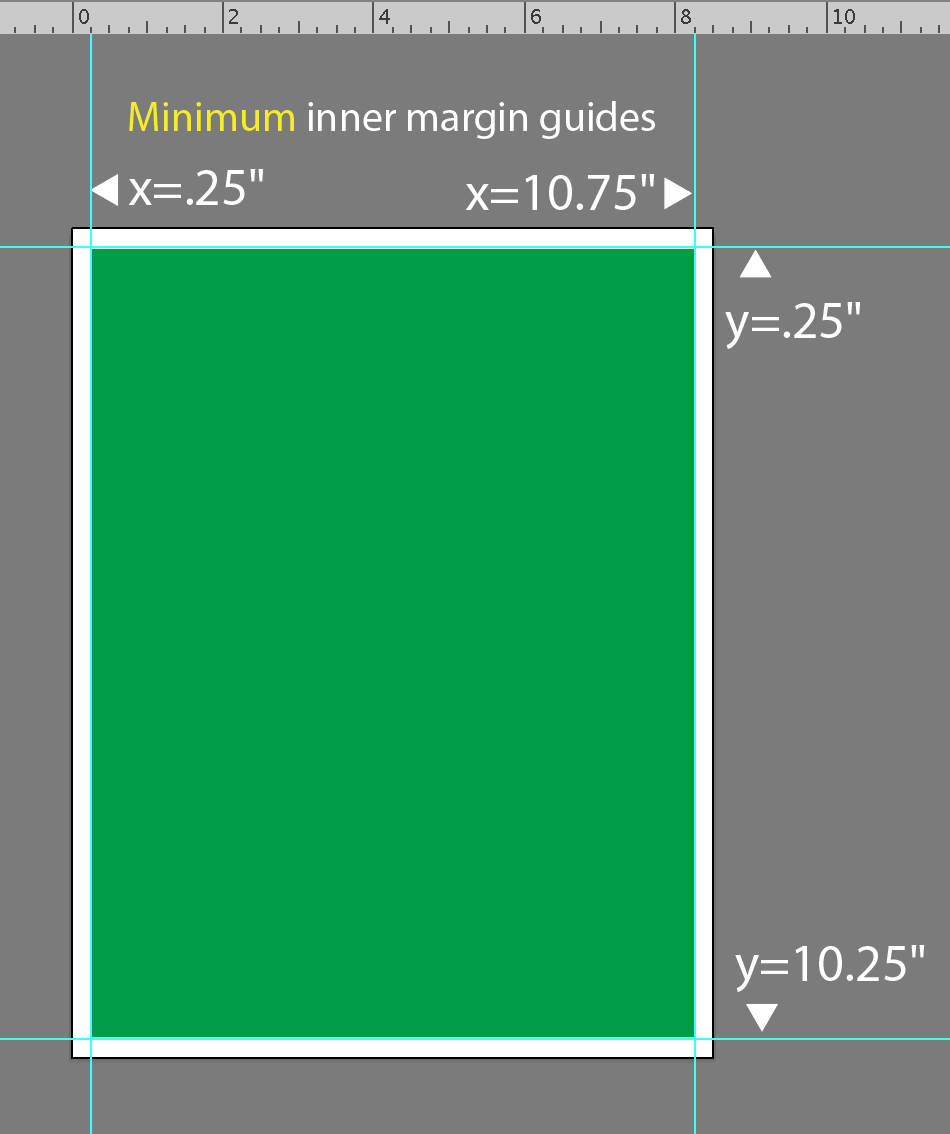
RE: Setting up your resume so that it will print nicely on a laser printer. You can use color blocks, but know that laser printer CAN’T do color to the edge of the page. I tested this today with the laser printer in fink. Below is the MINIMUM interior margin you want to use for your resume. Other margins that won’t take up too much of your real estate are 5/16″ and 3/8″—I think that 1/2″ is too much.
Below I have where you can set your guidelines on an illustrator page for interior margins.
I tested this using a green square placed to the edge of an 8.5 x 11 page and printed it out. The tolerance of the ink didn’t touch the edge of the page, so it looked lie 5/16″ would be a safe bet so that you control what your resume looks like if it is printed out on a laser printer.
BELOW ARE SOME SCREEN SHOTS FROM MY POWERPOINT.