
Intro to Motion Graphic Icons There are 8 tutorials in this series. They show you some basics in animating graphic icons in your work in AfterEffects.
read moreResources for Students of Prof Sue Leo
Intro to Motion Graphic Icons There are 8 tutorials in this series. They show you some basics in animating graphic icons in your work in AfterEffects.
read more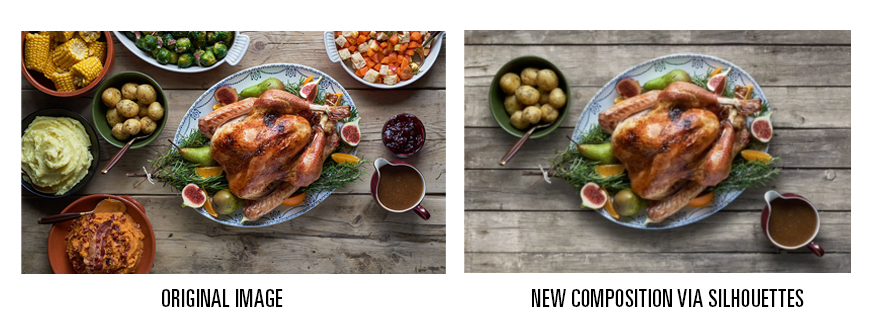
The tutorial above walks through how to align architectural images to compensate for the skewing and distortion of building walls as a result from the camera lens and orientation of the shot. Doing this on your images will make them look more…
read more
“A man paints with his brains and not with his hands.” — Michelangelo A good example of how the rule of thirds works when composing landscapes. Here is one way a designer uses the Rule of Thirds in…
read more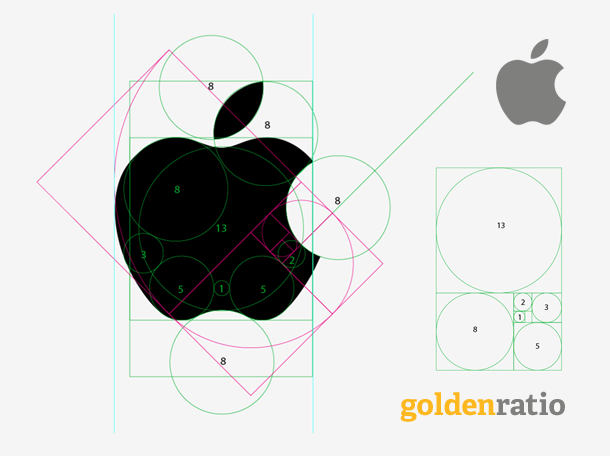
The following tutorials have different methods to develop a logo mark. Some of these techniques may be helpful to begin to understand how to simplify designs into shapes, instead of tracings. The video below talks about using negative space in your logos…
read more
Here are several videos that will inspire you to look at nature and how the Fibonacci sequence is every where! Golden Ratio = Mind Blown! You will never look at cauliflower and pine cones the same way if you watch this…
read more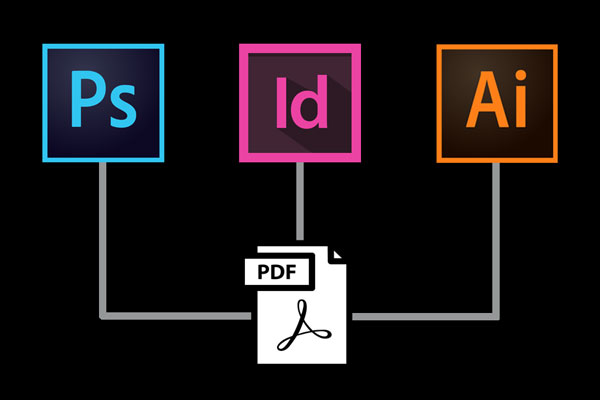
ILLUSTRATOR Note: The instructions are a bit different between Illustrator and In-Design in the nomenclature of crop marks. In Illustrator they are called TRIM marks, (In-Design calls them CROP marks). To Make a PDF from InDesign: Be careful in In-Design as there is…
read more
What is a bleed? In printing, when a design goes to the edge of the page it requires a production technique called a bleed. The purpose of adding a bleed to your document ensures when the finished print is trimmed there are…
read more
Some of the Topics Covered in this Video include: ⌘ R = Rulers – This command toggles the rulers off and on ⌘ C = Copy ⌘ V = Paste ⌘ Z = Undo ⌘ T = Opens up your Character…
read more